Made and hosted in the European Union
Cron job monitoring that
notices when nothing happens.
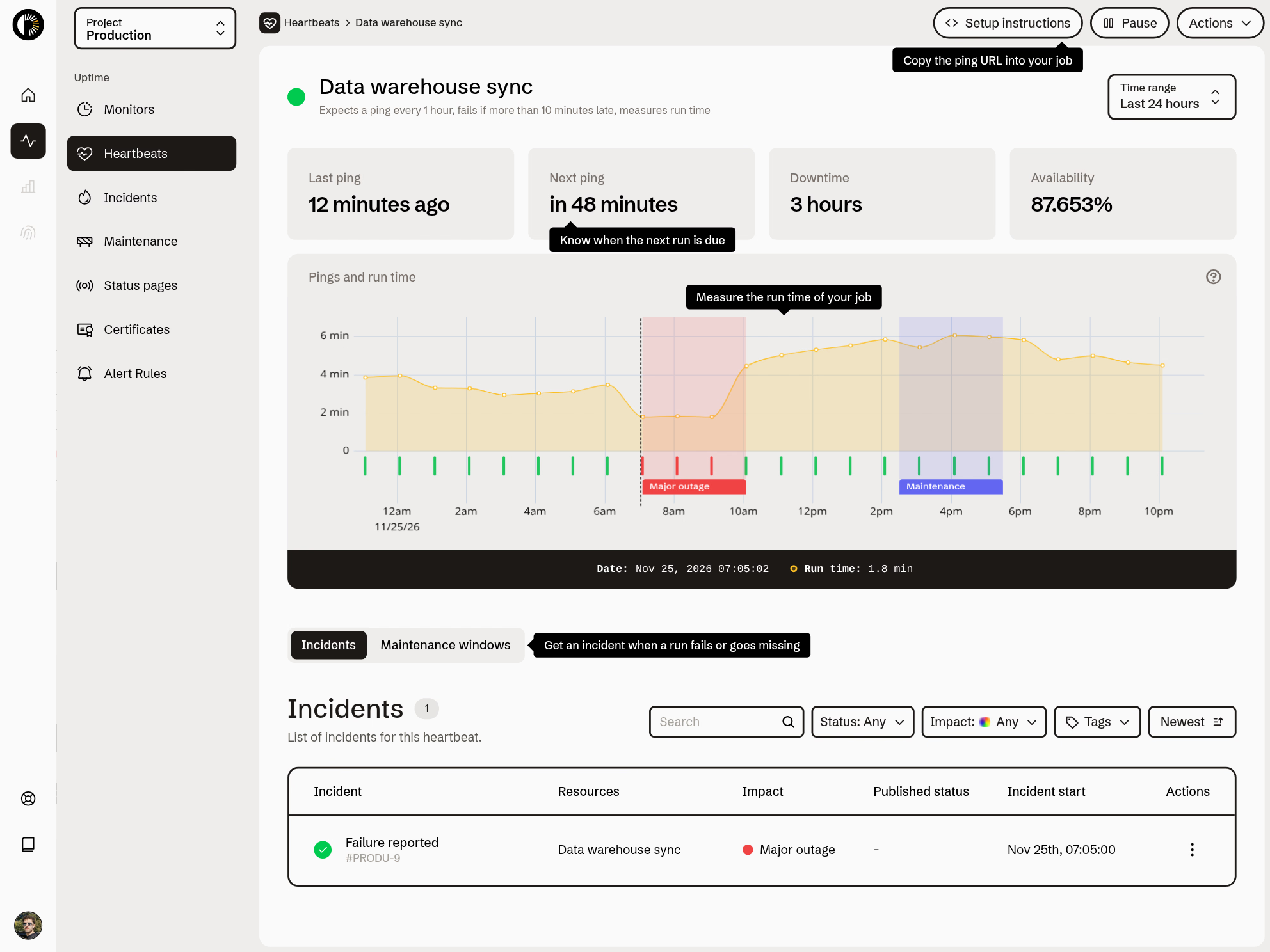
Your cron jobs, backups and workers ping Phare each time they run. Get alerted when one fails, runs late or never shows up.

Trusted by 1,000+ teams that ship websites and APIs every day








Heartbeat monitoring for every scheduled job
A dead man’s switch for your cron jobs, backups and workers. If the ping doesn’t show up, Phare does.
-
Fit any schedule
From a worker checking in every minute to an invoice run once a month, with a grace period for the nights the backup takes longer.
See schedules -
Copy, paste, done
One curl in your crontab, or a ready-made snippet for Laravel, Node.js, Rails, Celery, GitHub Actions and Kubernetes. No agent, no SDK.
See setup instructions -
Read the error, skip the SSH
Ping /fail when a job crashes, with its output. The incident opens right away, and the error is its description.
See failure reports -
Catch the stuck jobs
Ping /start when a job begins to time every run. A run that never finishes opens an incident, no need to wait for the next one to go missing.
See run time -
Ignore the flaky ones
Require up to five missed pings or failures in a row before sounding the alarms, for the jobs that sometimes skip a beat. Same for recoveries.
See confirmations -
Read the pulse
Every ping, run time, incident and maintenance window on one chart, with P75, P90 and P99 run times and availability for up to 90 days.
See statistics
“Phare is really easy to set up and has been a part of our technological stack for a few years. The product already offers a lot, and is updated frequently with new features.”
Lucas Moisan, Tech Lead & Co-Founder, Wizards Technologies
- Industry:
- IT Services
- Team size:
- 50–100

Monitoring you can rely on
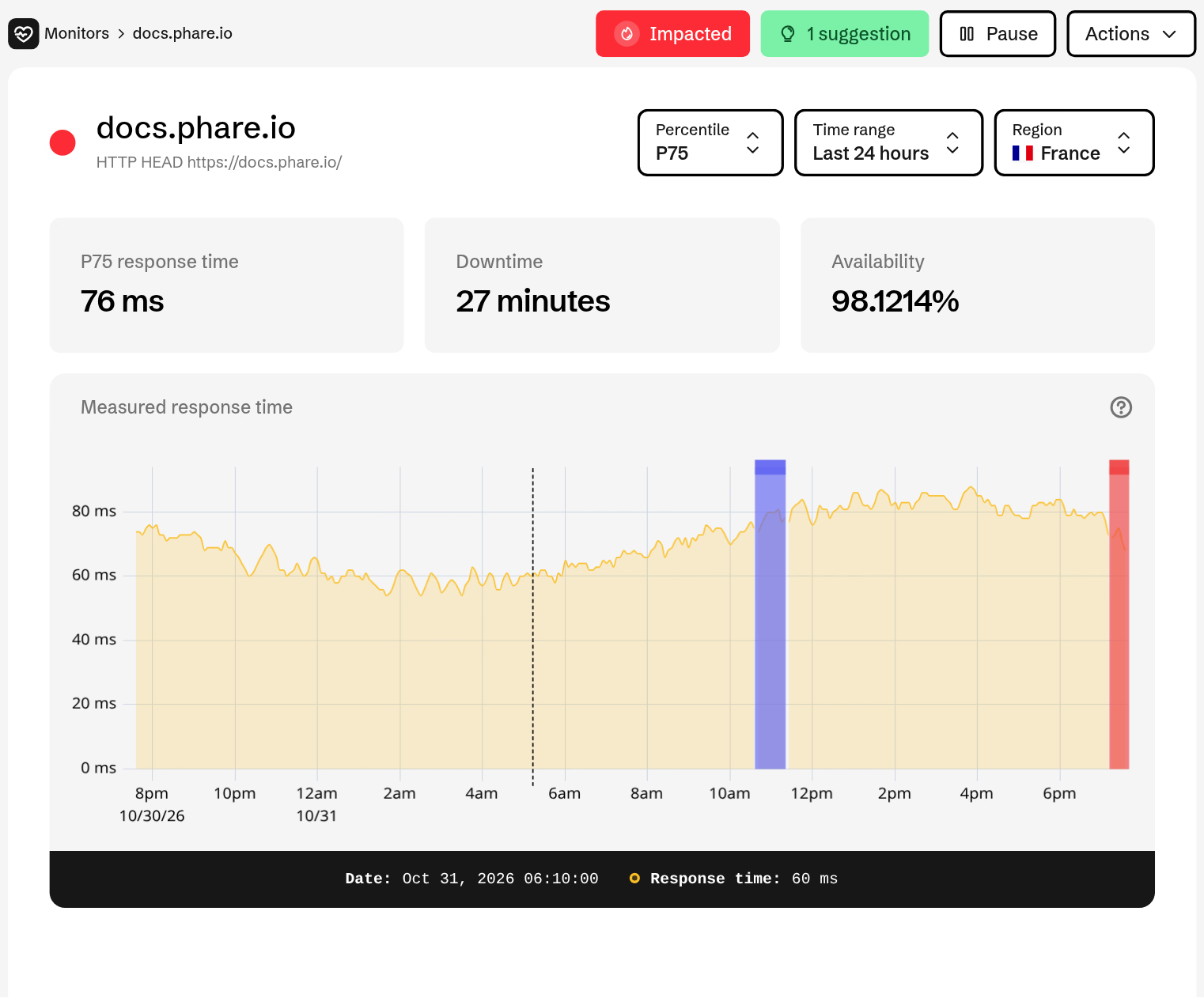
Know with precision when your websites or APIs misbehave.

-
Monitor critical resources every 30 seconds and less important ones every hour.
Compare plans -
Monitor HTTP(S) and TCP endpoints, or check server availability with ICMP ping monitoring.
See monitor types -
Choose from 12 locations in Europe, Asia, America, and Oceania.
See all regions -
Manage SSL certificates and get alerted on discovery and before expiration.
See certificate monitoring
Multi-player incident management
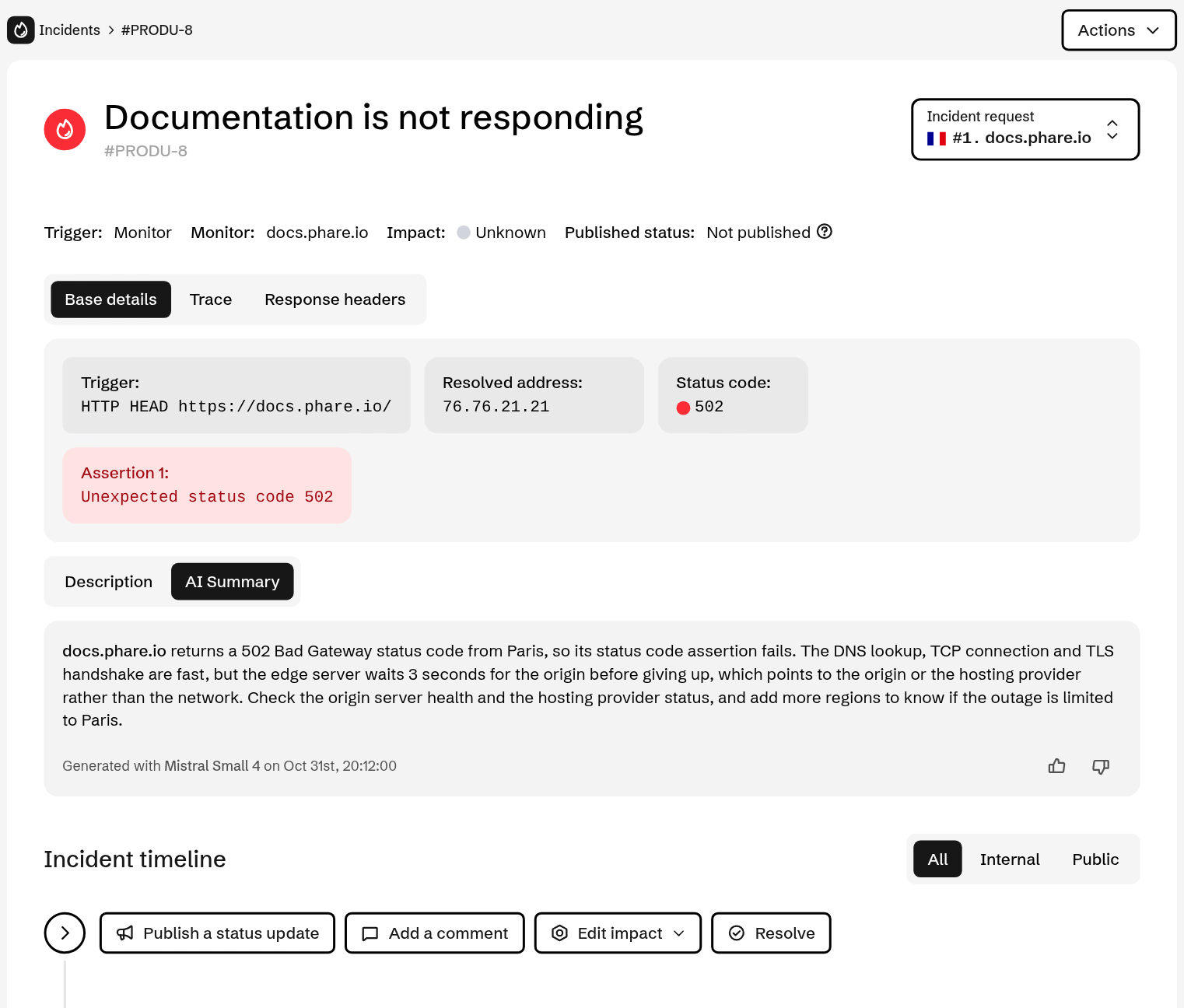
Create, track, and communicate incidents with your team and customers.

-
Get automatic incident detection for a wide range of issues with AI summaries and postmortems.
See incident detection -
Add comments for your pals, and publish incident updates to keep your customers in the loop.
See incident updates -
Keep things tidy with an extensive event timeline of all events, updates, and comments.
See the timeline
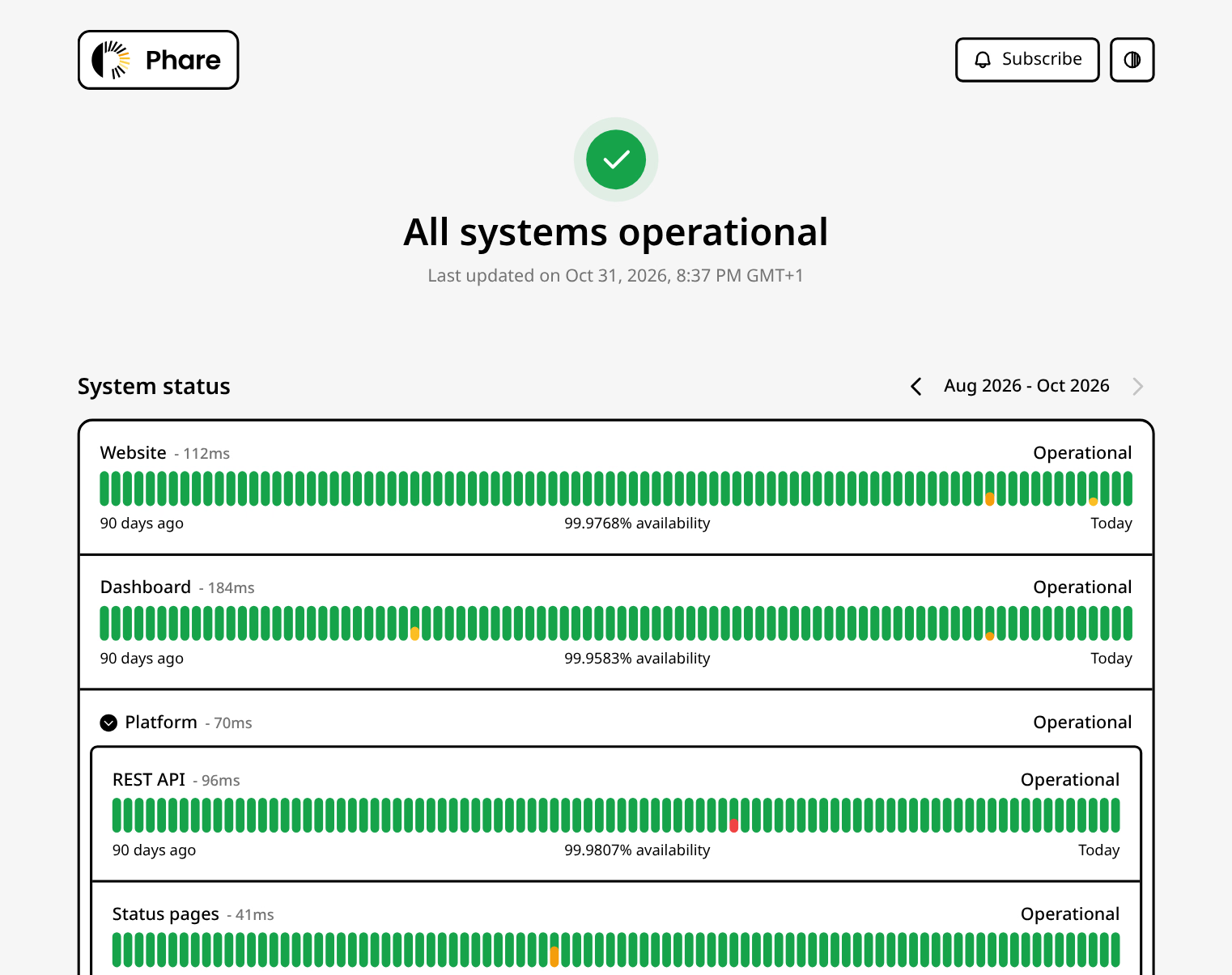
Conversational status pages
Tell your users what’s up, or down, with branded outage updates.
-
Create a branded status page that runs on your own domain, or one provided by Phare.
See custom domains -
Control access to your status page by IP address, token, or password.
See private status pages -
Let users subscribe to real-time updates via RSS, Atom, and Slack subscriptions.
See subscriptions -
Be nice to the planet with the most eco-friendly status page, rated with an A+ perfect score.
See the score
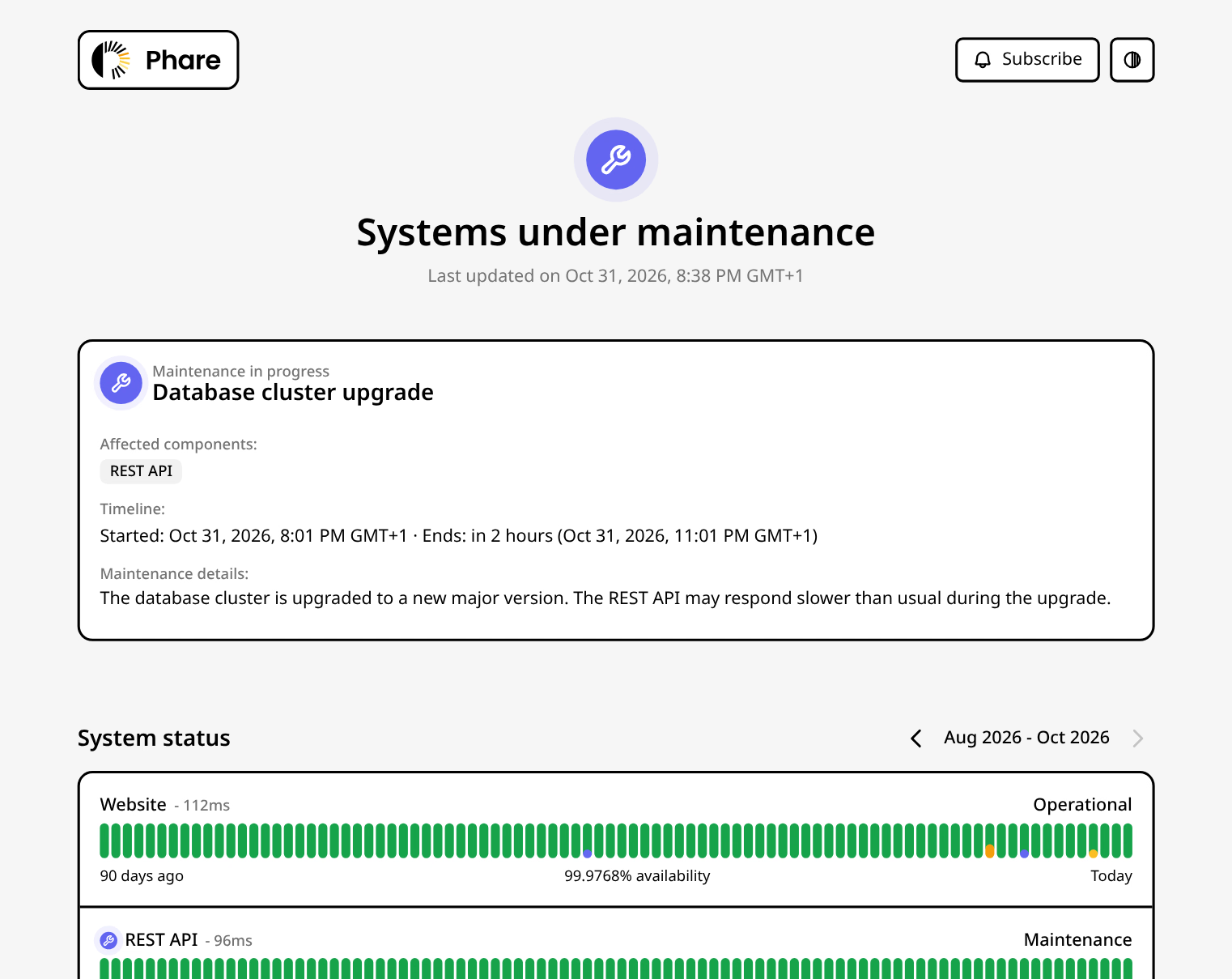
Scheduled maintenance windows
Silence the alarms, keep your SLA clean, and notify your customers before planned downtime begins.

-
Pause checks or mute notifications so your team can deploy without alert fatigue.
See maintenance options -
Broadcast scheduled maintenance directly onto your public or private status pages.
See an example -
Keep your SLA metrics accurate by excluding planned maintenance from downtime reports.
See SLA reports
Alerting that delivers
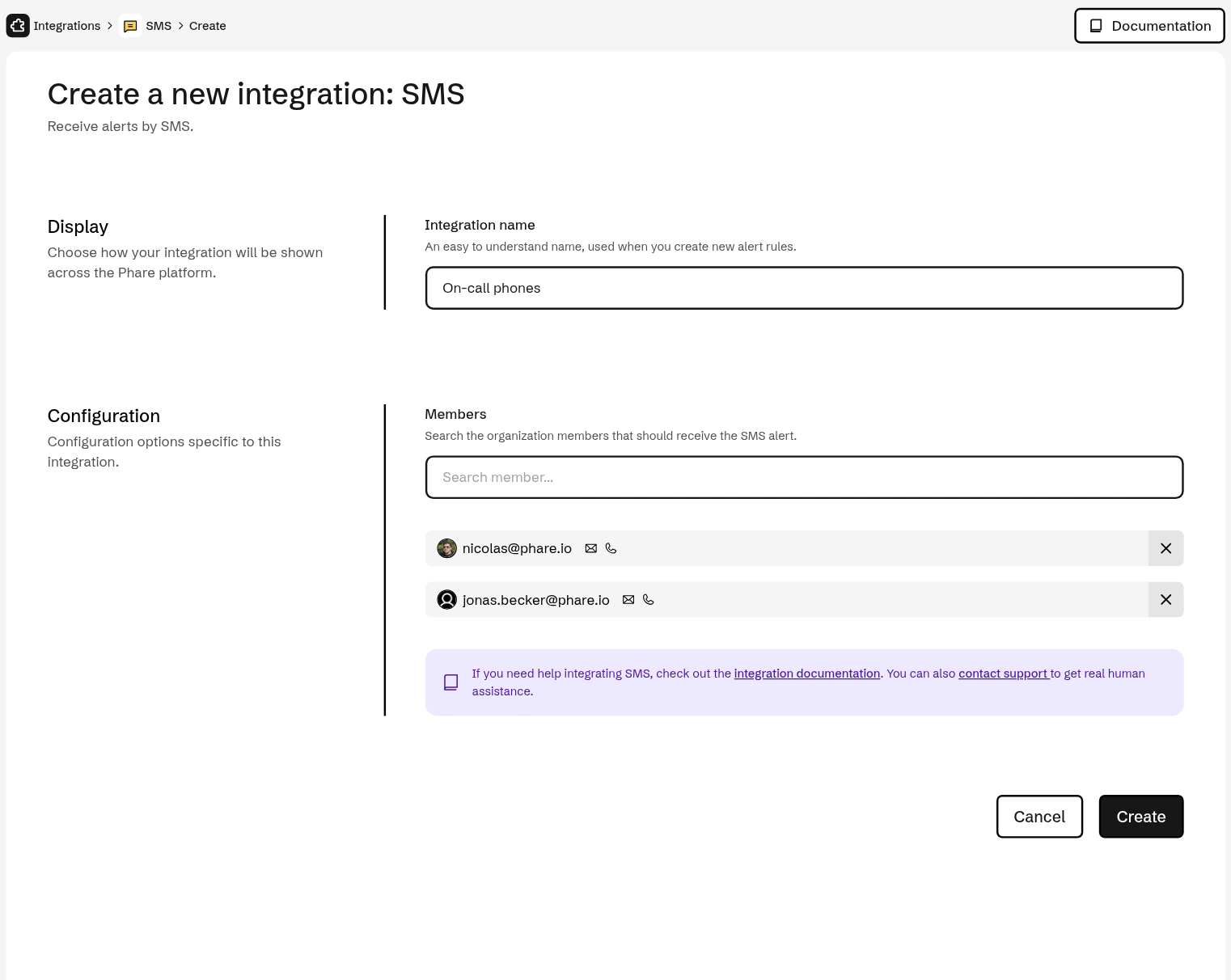
No more alert spam. Just smart, flexible notifications. Get the right alerts, to the right place, at the right time.

-
Get alerted on multiple channels, ensuring team members get notified on their favorite app.
See all integrations -
Granularly choose which events are relevant for you and where to send them.
See alert rules -
Rate limit notifications to reduce spam and avoid alert fatigue.
See rate limiting -
Get notified with an aggressive retry policy on all notification channels to ensure delivery during outages.
See notification channels

“Phare is a great product that allows us to monitor our applications and services. It is easy to use and has a lot of features that help us keep our systems running smoothly.”
Erik Osterman, Founder & CEO, Cloud Posse
- Industry:
- IT Services
- Team size:
- 10–50

Frequently asked questions
You could not find the answer to your question? Ask support.

-
What is cron job monitoring?
Cron job monitoring checks that your scheduled jobs actually run. Each job sends an HTTP request, a ping, to a unique URL when it finishes. If the ping doesn’t arrive on schedule, something is wrong: the job crashed, the server is down, or someone commented out the crontab line “just for a minute” last March. Phare then creates an incident and alerts you.
-
How does heartbeat monitoring work?
A heartbeat is the reverse of an uptime monitor: instead of Phare calling your service, your service calls Phare. You tell Phare how often a ping is expected and how late it can be, and paste the ping URL at the end of your job. A ping that arrives on time keeps the heartbeat online, a missing one takes it offline.
-
What can I monitor with heartbeats?
Anything that runs on a schedule and can make an HTTP request: cron jobs, Laravel scheduled commands, Celery beat tasks, Rails recurring jobs, Kubernetes CronJobs, GitHub Actions scheduled workflows, systemd timers, Windows scheduled tasks, database backups, queue workers, data pipelines and certificate renewals.
-
How do I monitor a cron job?
Create a heartbeat, choose how often your job runs, and add a request to its ping URL at the end of the job, for example with curl in your crontab. The heartbeat page gives you a snippet to copy for curl, Laravel, Node.js, Celery, Rails, GitHub Actions and Kubernetes. No agent to install, the ping URL accepts GET, HEAD and POST requests.
-
What happens when a job fails or doesn’t run?
When no ping is received within the interval and its grace period, Phare creates an incident and runs your alert rules, so you get notified by email, SMS, Slack, Discord, Telegram or any other channel you use. The incident is resolved automatically when the next ping arrives.
-
Can a job report its own failure?
Yes. Request the ping URL followed by /fail when your job exits with an error, and an incident is created immediately. No need to wait for the deadline to know that the nightly backup didn’t make it.
-
Can I see why a job failed?
Yes. Send the output or the error of your job in the body of its ping, Phare keeps the last 2,000 characters. When that ping opens an incident, the message becomes its description, so the error is right there instead of in a log file on a server you have to find first.
-
Can I measure how long my jobs take?
Yes. Request the ping URL followed by /start when your job begins, and Phare measures the time until its success or failure ping. The run time of every job is drawn on its chart, and a job that starts but never finishes opens an incident at the end of its grace period. A measured run counts two pings instead of one.
-
How do I avoid alerts for a job that is only running late?
Set a grace period that covers the longest your job usually takes, from one minute to seven days. For jobs known to be flaky, require several missed pings in a row before an incident is created.
-
Is cron job monitoring free?
Yes, heartbeats are included in every plan, the free one too. A heartbeat uses one monitoring event per expected ping, two when its run time is measured, with a minimum of 5,000 events per month. The free plan includes 100,000 monitoring events, enough for 20 nightly jobs. See the pricing for more details.
Phare would have checked your website once by now.
How many times have you checked it in the last 0 seconds?
Start monitoring for free